
Weekly Status Report, Internal / External, Agile & Waterfall. A comprehensive weekly / monthly project status report for client and internal reporting of project health. Includes title page, contents, management summary, decisions required, project status, progress and priorities, milestone status, plan on a page (POaP), key risks and issues, risks matrix, issues matrix, change control and next update slide.

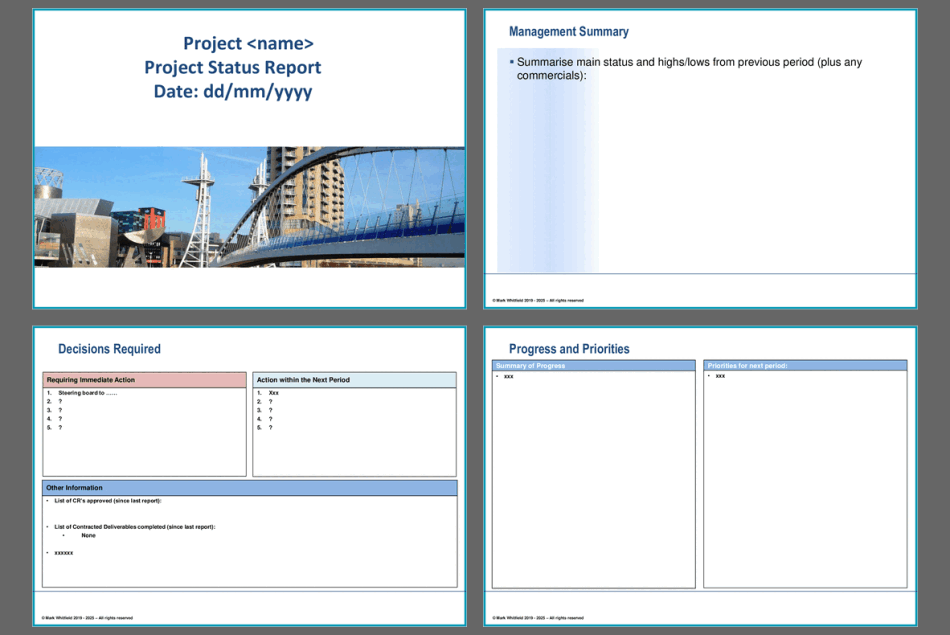
Slide 1: Title page
Slide 2: Contents page
Slide 3: Management Summary
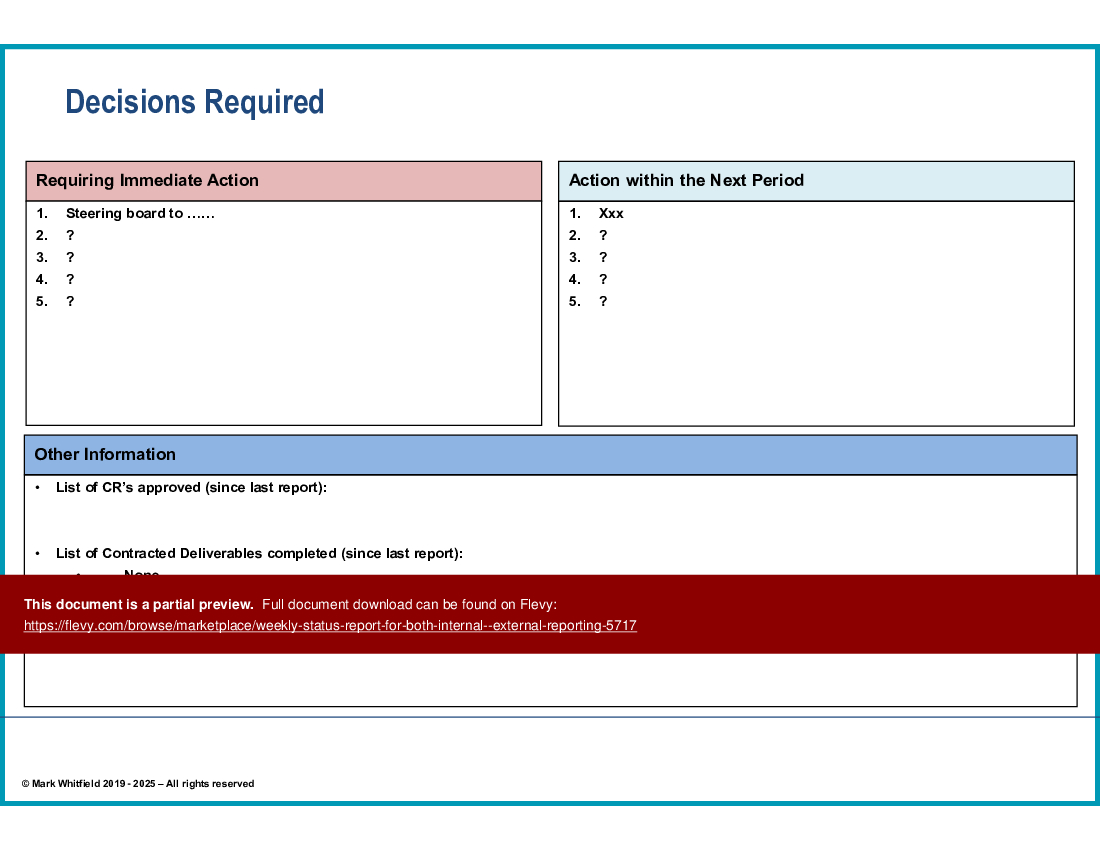
Slide 4: Actions now, next period, other information
Slide 5: Contents page – next section – Milestones and Progress tracking
Slide 6: Project status, RAG status, phase, task, status, trend, actions and information
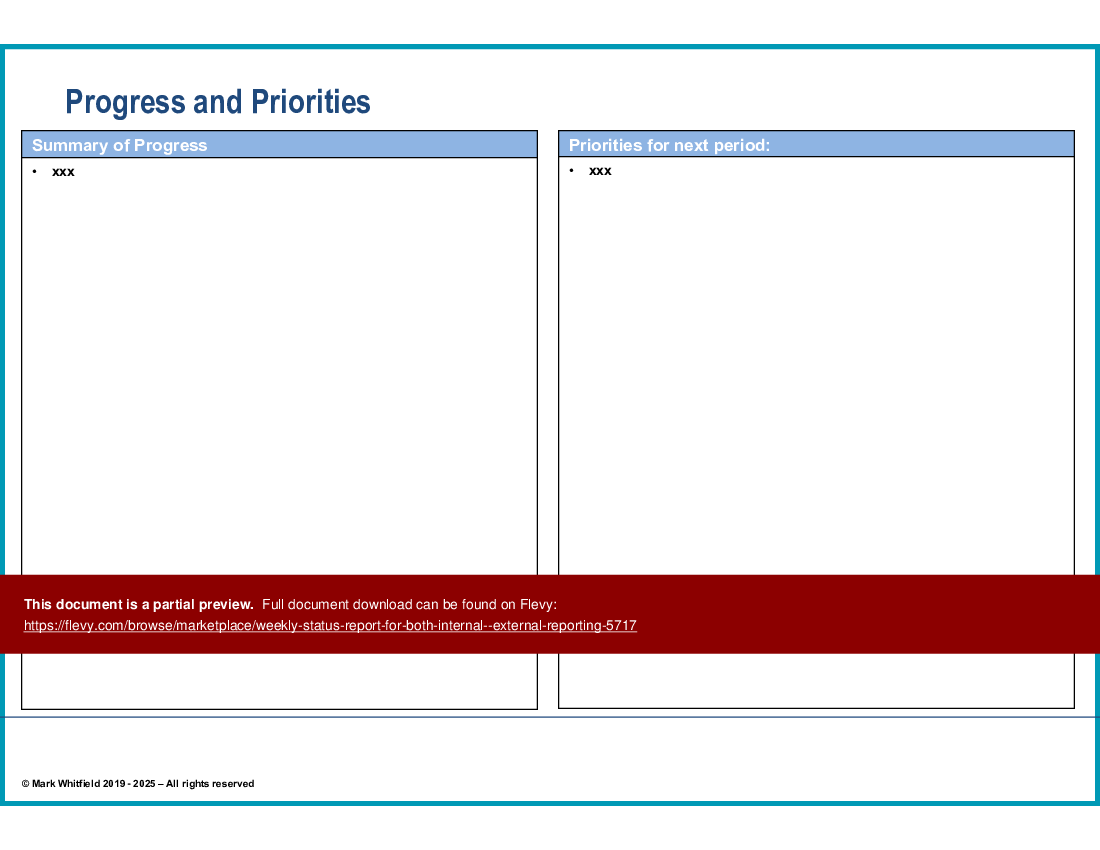
Slide 7: Progress and Priorities for this period and the next period
Slide 8: Milestone status table for the project
Slide 9: The Plan on a Page screenshot for the project with KEY
Slide 10: Contents page – next section – Risks and Issues
Slide 11: Key risks and issues
Slide 12: Project Risk Matrix by probability and impact
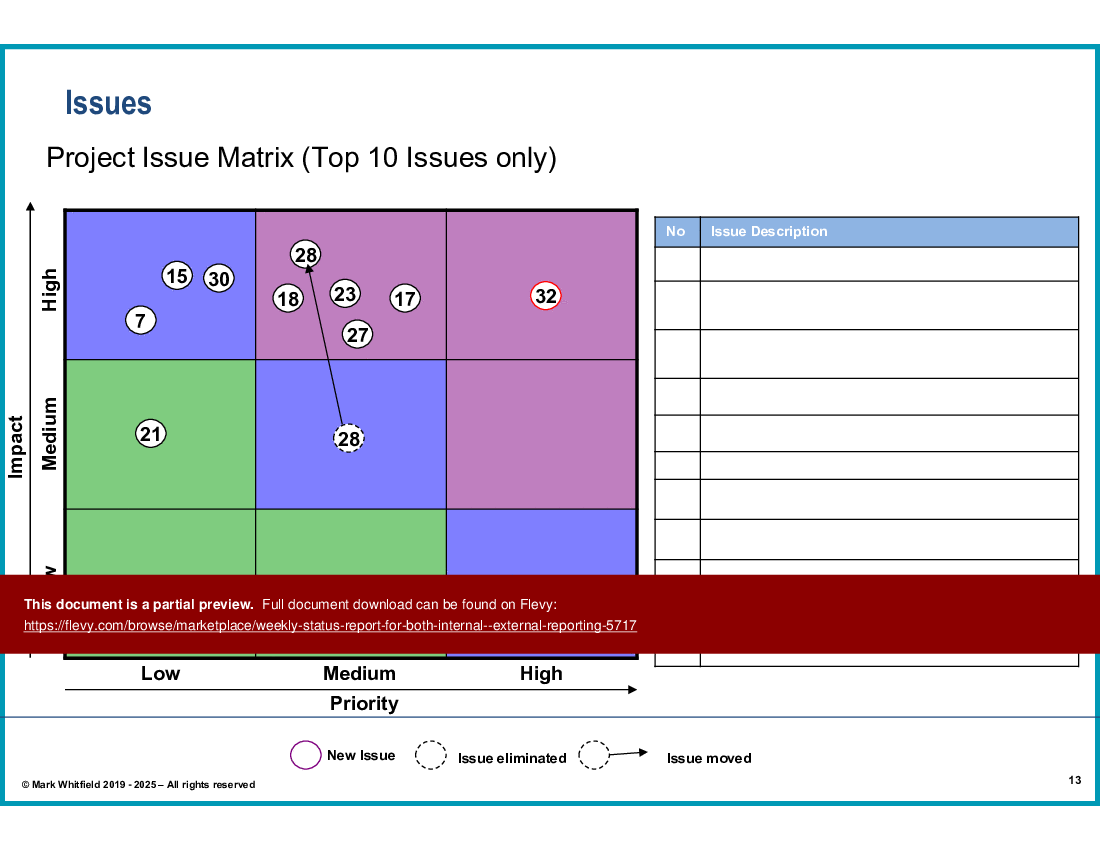
Slide 13: Project Issues Matrix by priority and impact
Slide 14: Change Control listing change requests
Slide 15: End slide
This PPT includes a detailed "Decisions Required" section, clearly outlining immediate actions and upcoming tasks. This ensures that all stakeholders are aligned on critical decisions and next steps, minimizing project delays. The "Progress and Priorities" slide provides a succinct summary of current achievements and future objectives, enabling efficient tracking of project momentum and focus areas.
The "Issues Matrix" is a powerful tool for visualizing and prioritizing project challenges based on impact and priority. This matrix helps in identifying and addressing the most critical issues promptly, ensuring that project risks are managed effectively. The comprehensive structure of this report makes it an indispensable asset for maintaining project transparency and accountability.
Got a question about the product? Email us at support@flevy.com or ask the author directly by using the "Ask the Author a Question" form. If you cannot view the preview above this document description, go here to view the large preview instead.
Executive Summary
The Weekly Status Report is a structured tool designed for both Agile and Waterfall project management methodologies. It provides a comprehensive overview of project milestones, risks, and issues, enabling teams to maintain transparency and accountability. This report, crafted by an experienced consultant, equips project managers with the necessary insights to make informed decisions and drive project success. Users can effectively track progress, manage risks, and communicate updates to stakeholders.
Who This Is For and When to Use
• Project Managers overseeing Agile and Waterfall projects
• Team Leaders responsible for project deliverables and timelines
• Stakeholders requiring regular updates on project status
• Risk Management Teams focused on identifying and mitigating project risks
Best-fit moments to use this deck:
• Weekly project review meetings to assess progress and address issues
• Status updates for stakeholders to ensure alignment and transparency
• Risk assessment sessions to prioritize and manage project risks
Learning Objectives
• Define key project milestones and their significance in tracking progress
• Build a comprehensive risk management strategy to address potential project challenges
• Establish clear communication channels for reporting project status to stakeholders
• Create actionable plans for addressing project issues and risks
• Summarize project progress and priorities effectively for team alignment
• Utilize visual tools for tracking milestones and project health
Table of Contents
• Management Summary (page 3)
• Project Status Overview (page 6)
• Milestone Status (page 8)
• Key Risks and Issues (page 11)
• Change Control Summary (page 14)
Primary Topics Covered
• Management Summary - A concise overview of the project's current status, including highs and lows from the previous reporting period.
• Project Status Overview - A detailed assessment of the overall project status, including time and risk trends, and actions required from management.
• Milestone Status - A summary of key deliverables and milestones, including completion percentages and RAG (Red, Amber, Green) status indicators.
• Key Risks and Issues - Identification and assessment of top project risks and issues, along with actions required to resolve them.
• Change Control Summary - Documentation of any changes raised during the project, including their status and impact.
Deliverables, Templates, and Tools
• Project Status Report template for consistent weekly updates
• Milestone tracking table to visualize project progress
• Risk and issue matrices for prioritizing and managing challenges
• Change control documentation template for tracking project modifications
Slide Highlights
• Management Summary slide that encapsulates project highs and lows
• Project Status Overview slide detailing time and risk trends
• Milestone Status slide presenting a visual representation of key deliverables
• Risk Matrix slide highlighting top project risks and their impact
• Change Control Summary slide for tracking modifications and their status
Potential Workshop Agenda
Weekly Status Review Session (60 minutes)
• Review project milestones and overall status
• Discuss key risks and issues with the team
• Align on action items and responsibilities for the upcoming week
Change Control Discussion (30 minutes)
• Evaluate any changes raised since the last report
• Determine the impact of changes on project timelines and deliverables
Customization Guidance
• Tailor the project name and date fields to reflect the specific project
• Update milestone and deliverable sections to match current project objectives
• Adjust risk and issue descriptions based on the latest project developments
Secondary Topics Covered
• Communication strategies for effective stakeholder engagement
• Techniques for prioritizing project risks and issues
• Best practices for maintaining project transparency and accountability
Topic FAQ
Document FAQ
These are questions addressed within this presentation.
What is the purpose of the Weekly Status Report?
The Weekly Status Report provides a structured overview of project progress, risks, and issues, facilitating informed decision-making and stakeholder communication.
How often should this report be updated?
The report should be updated weekly to reflect the latest project developments and maintain alignment among team members and stakeholders.
What key metrics should be included in the Milestone Status section?
The Milestone Status section should include key deliverables, baseline dates, actual completion dates, percentage complete, and RAG status indicators.
How can risks and issues be effectively managed?
Risks and issues can be managed by regularly updating the risk matrix, prioritizing based on impact and probability, and assigning clear actions to responsible team members.
What is the Change Control Summary used for?
The Change Control Summary documents any changes raised during the project, tracking their status, impact, and resolution timelines.
How can this report be customized for different projects?
Customization can include updating project names, adjusting milestone details, and tailoring risk descriptions based on specific project contexts.
What tools can be used to visualize project status?
Visual tools such as Gantt charts, milestone tracking tables, and risk matrices can effectively communicate project status and progress.
Why is it important to summarize project highs and lows?
Summarizing project highs and lows helps stakeholders understand the project's current health and any challenges that may need addressing.
Glossary
• Milestone - A significant point in the project timeline marking the completion of a key deliverable.
• RAG Status - A color-coded system (Red, Amber, Green) used to indicate project health and progress.
• Risk Matrix - A tool for assessing and prioritizing project risks based on their probability and impact.
• Change Control - The process of managing changes to project scope, timelines, or deliverables.
• Stakeholder - Any individual or group with an interest in the project's outcome.
• Deliverable - A tangible or intangible output produced as part of a project.
• Project Status - An assessment of the current state of the project, including progress and issues.
• Action Items - Specific tasks assigned to team members to address project challenges.
• Management Summary - A brief overview of project status, highlighting key points for stakeholders.
• Progress Tracking - The process of monitoring project milestones and deliverables to ensure timely completion.
• Issue Matrix - A tool for identifying and prioritizing project issues based on their impact and urgency.
• Commercials - Financial aspects or considerations related to the project.
• Steering Board - A group responsible for providing guidance and oversight for the project.
• Agile - A project management methodology focused on iterative development and flexibility.
• Waterfall - A project management methodology characterized by a linear and sequential approach.
• Team Leader - An individual responsible for guiding and managing a project team.
• Project Manager - The person accountable for planning, executing, and closing a project.
• Priorities - Key tasks or objectives that require immediate attention in the project.
• Commercials - Financial considerations or agreements related to the project.
• Deliverables - Specific outputs or results expected from the project.
• Steering Board - A governance body that oversees project direction and decision-making.
Source: Best Practices in Project Management, Progress Report PowerPoint Slides: Weekly Status Report, Internal / External, Agile & Waterfall PowerPoint (PPTX) Presentation Slide Deck, i_Pro_PM_Templates
This document is available as part of the following discounted bundle(s):
Save %!
FREE upgrades, PRINCE2 & Agile Project Management Templates
This bundle contains 10 total documents. See all the documents to the right.
|
Receive our FREE presentation on Operational Excellence
This 50-slide presentation provides a high-level introduction to the 4 Building Blocks of Operational Excellence. Achieving OpEx requires the implementation of a Business Execution System that integrates these 4 building blocks. |